Collection Homepage
 |
 |
|---|---|
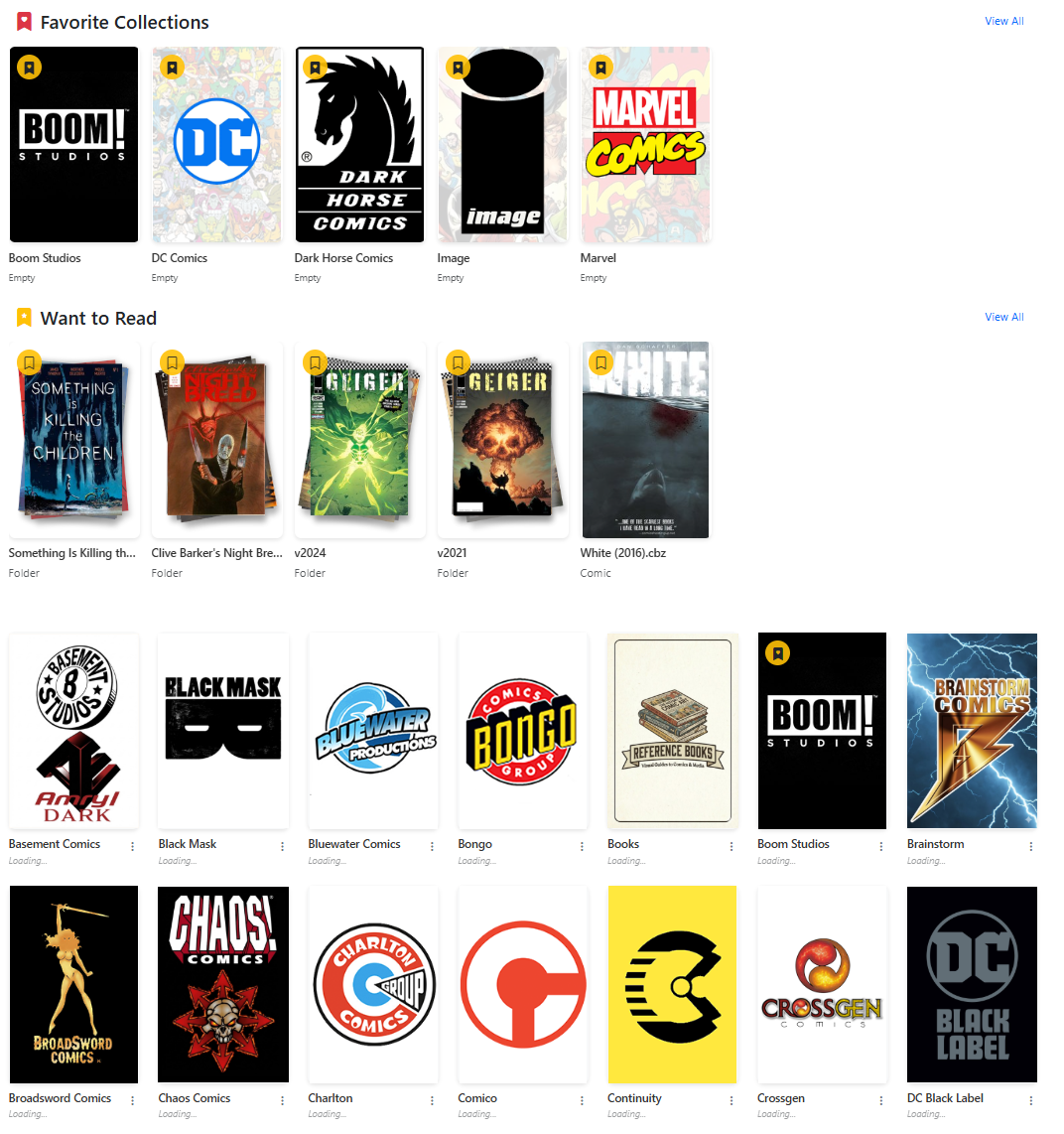
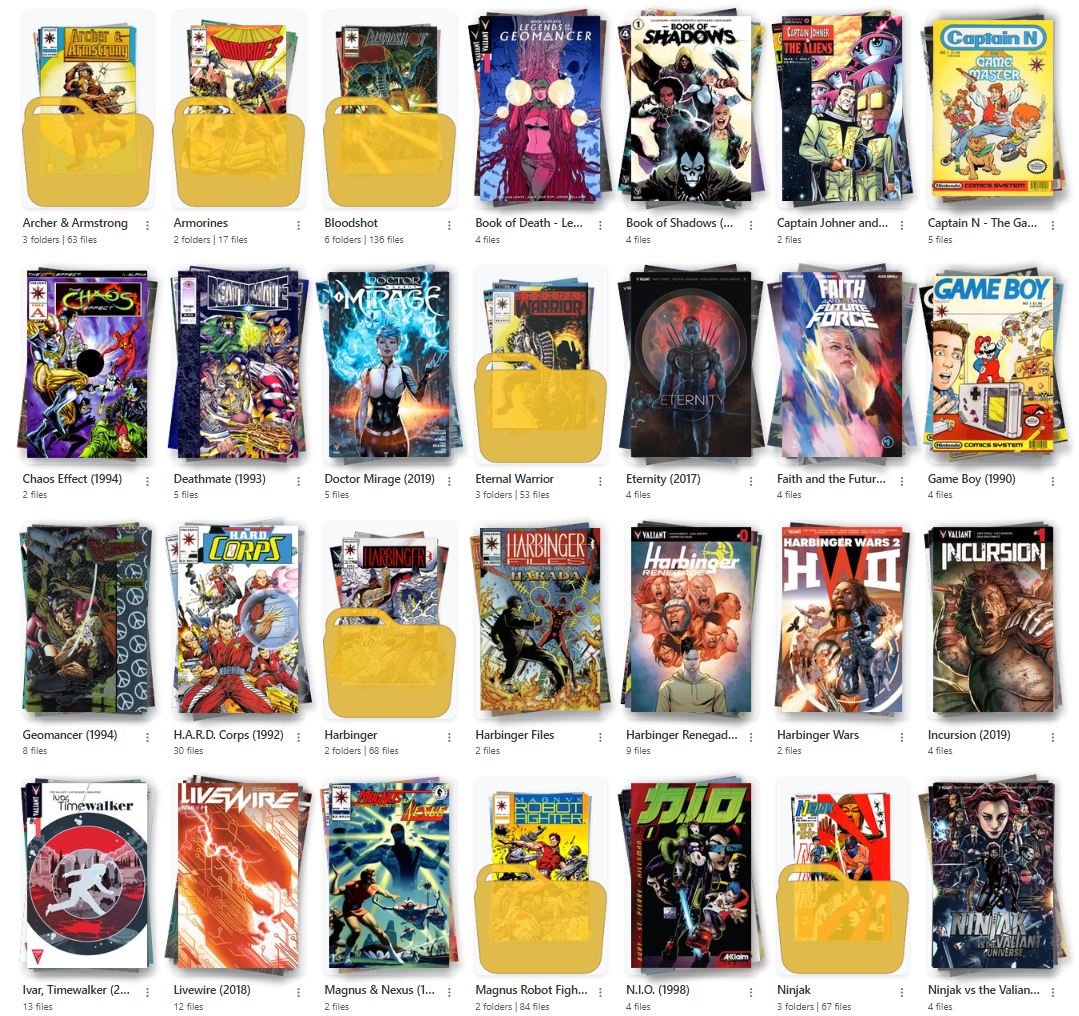
| Example Collection Landing Page with Favorites and Reading Lists | Example Collection Publisher Page with Nested Folders |
In version 4.0, CLU now uses a visual browser to navigate your collection. Generally this is grouped by publisher, but CLU will render any folder structure you have.
Sections
Currently, there are up to 3 sections that can show on the collection page. They are:
Publisher
This is the default section. It will display all publishers in your collection. This is the only section that is always available. As you click into a publisher, it will display all folders (series) or issues in that publisher. Publisher, Series and Issues will have different options in the dropdown menu.
Note
In documentation, this will be referred to as the "Publisher" section, but it can be any folder structure you have in your collection.
Favorite Collections
This section will display all publishers that have been marked as a favorite. You can mark a publisher as a favorite by clicking the icon in the top left of the publisher list.
Want to Read List
This section will display all folders (series) or issues that have been bookmarked as "Want to Read". You can mark a folder or issue as "Want to Read" by clicking the icon in the top left of the publisher list.